Adding Images to Posts
Including images in your release notes and announcements can significantly boost user engagement and make your updates much clearer. Text-only release notes are often skipped by users, but a compelling visual—like a screenshot of a new feature or an animated GIF of a workflow—immediately grabs attention. NanoLog allows you to easily embed high-quality images directly into your posts.
Why Use Images?
- Higher Engagement: Posts with images receive up to 3x more clicks and reads than plain text announcements.
- Clarity: "Show, don't tell." A single screenshot of a new UI component explains the feature much faster than a paragraph of text.
- Brand Personality: Using branded graphics or team photos makes your product updates feel more human and connected.
Uploading an Image
NanoLog's editor makes it incredibly simple to add images.
- Go to the Posts dashboard.
- Click on the New Update button to open the post editor.
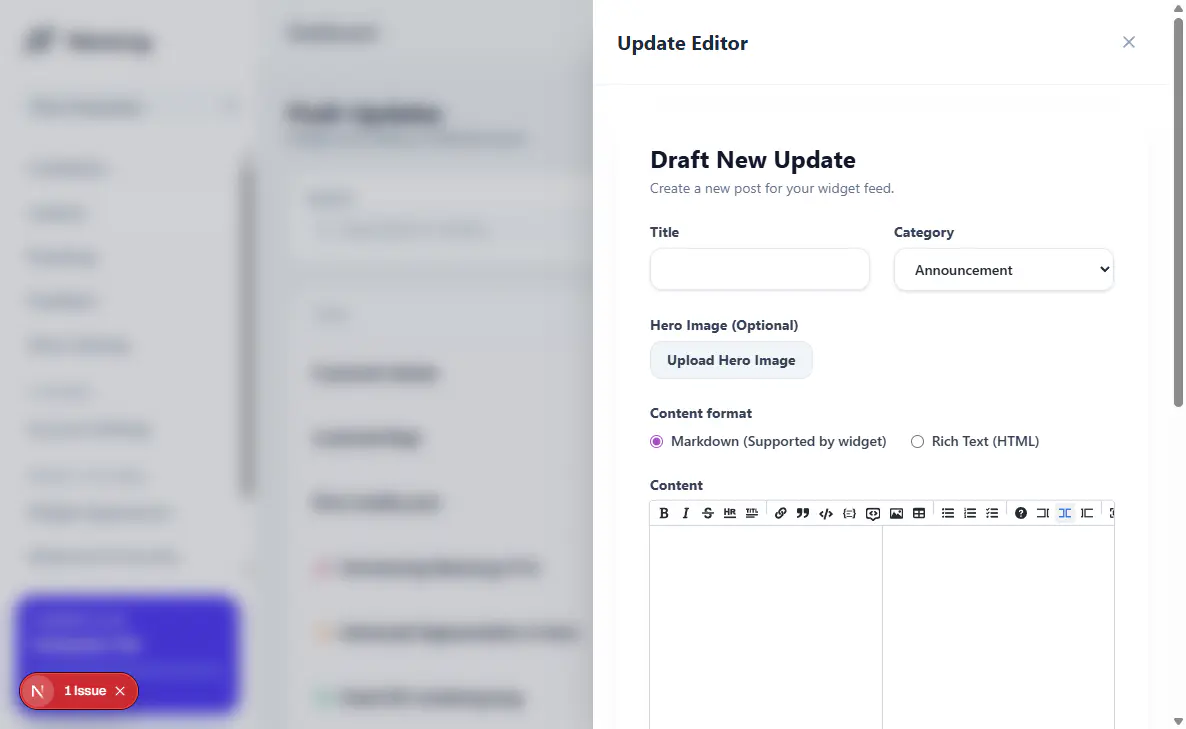
- While composing your content, look for the image upload icon in the rich text editor toolbar.
- Select the image file from your computer. Our platform will automatically optimize the image size and embed it into your content seamlessly.
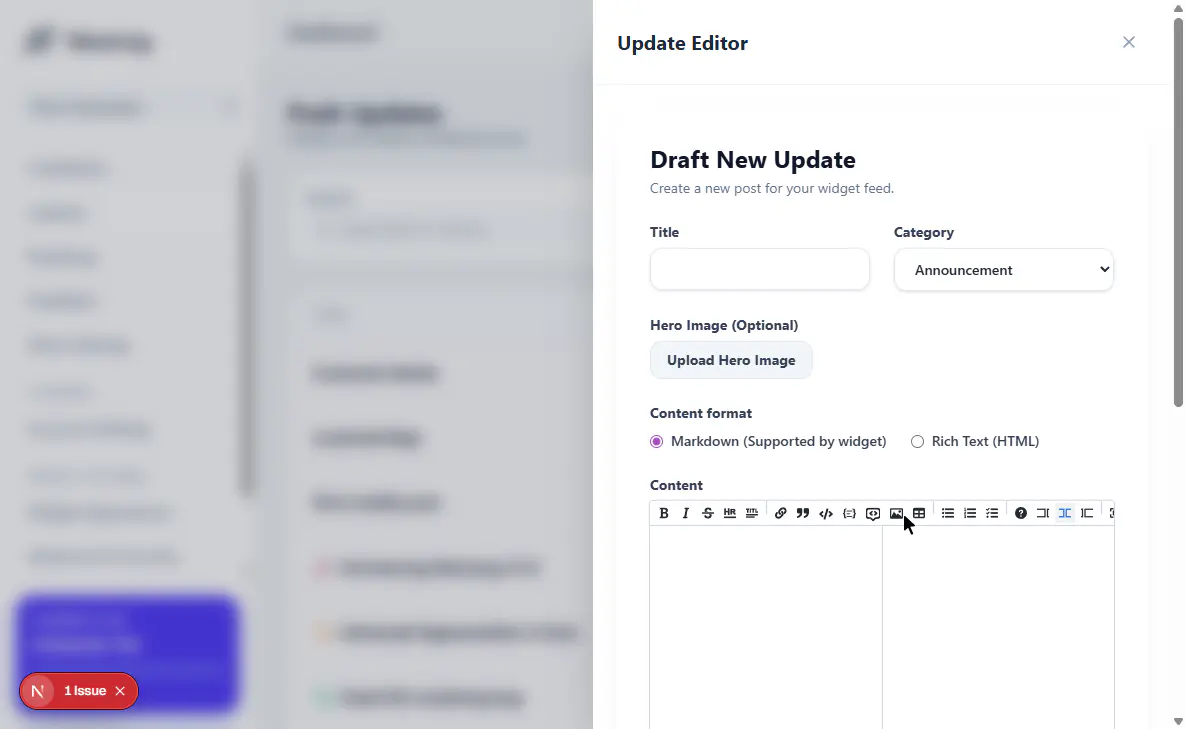
Tip: You can also drag and drop images directly into the editor for a faster workflow!